
13 June, 2022
0 Comments
1 category
Navigating the Health Professions Council of South Africa (HPCSA) registration process as a clinician with foreign qualifications can seem complex, but this guide provides a step-by-step approach to help you through it. This guide outlines essential steps, required documentation, and tips to ensure your application is complete and compliant.
Step 1: Determine Eligibility for First-Time Registration
- Identify Your Application Type:
- Visiting Student: If you’re a student from a university outside South Africa applying to study at a South African institution for up to 12 months (non-degree purposes), choose this option.
- Holder of Foreign Qualifications: If you’ve completed your studies abroad and are now looking to practice in South Africa, select this option.
- First-Time Intern: If you’re applying for a medical internship in South Africa after qualifying from a foreign institution, this guide is also for you.
- Answer Preliminary Questions:
Answering these questions will help HPCSA determine your eligibility and guide you toward the appropriate application path:- Are you applying as a visiting student?
- Are you currently studying at a South African institution?
- Do you have an existing HPCSA registration number?
- Are you a medical intern applying after qualifying at a South African university?
Step 2: Review Registration Requirements
- Access the Requirements for Your Profession:
Each professional board within HPCSA, such as the Medical Technology Board (MTB), Psychology Board (PSB), or Medical and Dental Board (MDB), has its own set of registration requirements. Visit the relevant section for specific requirements applicable to your field to ensure your submission is compliant. - Gather Supporting Documents:
Your application will need supporting documents, some of which must be certified while others require notarization:- Certified Copies: Photocopies that are signed by a recognized official to verify authenticity.
- Notarized Copies: Documents that are certified by a notary public, confirming they are true copies of the original.
- Physical Submission of Documents:
In addition to uploading your documents online, you will also need to courier physical copies to HPCSA’s office at: HPCSA, 553 Madiba Street, Arcadia, Pretoria, 0083
Step 3: Create an HPCSA Account
- Register Online:
Visit the HPCSA Online Services portal and select “Create an Account.” You will be prompted to provide:- Personal Information (e.g., name, passport number, date of birth, nationality)
- Contact Information (e.g., email, primary mobile number)
- Login Details: Choose a username and password (minimum 6 characters), and verify your password.
- Choose Method of Communication:
Select how you would prefer to receive updates on your application, such as email or SMS.
Step 4: Submit Your Application
- Log In and Complete the Application Form:
Once registered, log in to the HPCSA portal to fill out the application form. Ensure all sections are completed accurately. - Upload Documents:
Upload all necessary documentation as per your professional board’s guidelines. Note that your application won’t be processed until both digital uploads and couriered documents are received. - Review and Confirm Submission:
Double-check all uploaded files and application information to ensure compliance with HPCSA standards. When ready, submit your application.
Step 5: Understand the Turnaround Time and Next Steps
- Turnaround Time:
After submitting a complete application, HPCSA will review it based on your professional board’s requirements. Processing times vary depending on the volume of applications and the thoroughness of your submission. - Monitoring Application Status:
Keep an eye on your application status via the HPCSA portal. If additional information is needed, HPCSA will notify you through your preferred communication method. - Receive Feedback and Follow Up:
If HPCSA requires further documentation or clarification, respond promptly to avoid delays. Once your application is accepted, you’ll receive confirmation, and if eligible, a registration number.
Additional Tips
- Double-check document requirements for your specific board before sending them. Incorrectly certified or notarized documents may result in delays or rejection.
- Keep copies of all submissions for your records and as backup.
- Contact HPCSA Support if you experience technical difficulties or need assistance understanding requirements for your professional board.
Disclaimer: This guide provides an overview, but please refer to HPCSA’s official resources for the most current requirements and updates on registration processes.
Category: Uncategorized
Related Posts
Is Contactless Medicine Right for Me? How to Decide
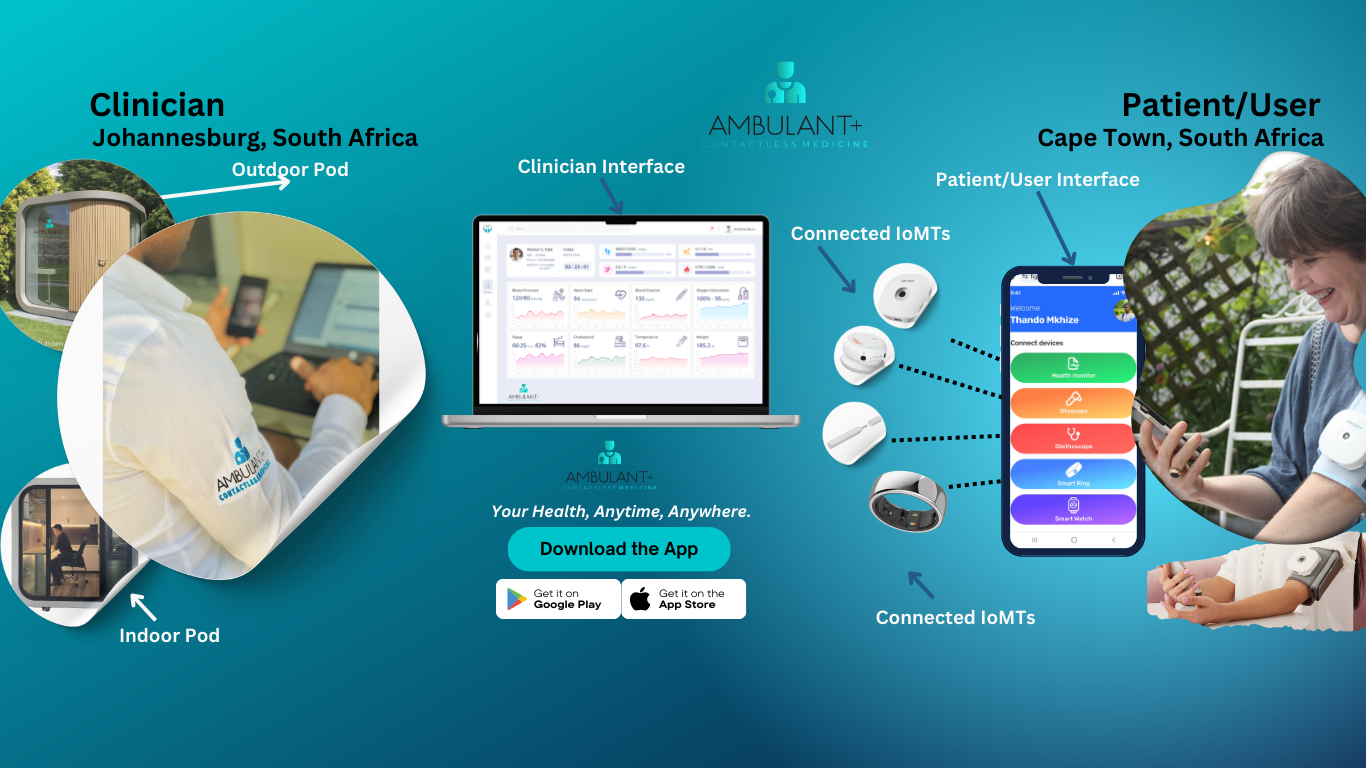
As healthcare continues to evolve, contactless medicine has emerged as a compelling option for many patients. By leveraging technology to facilitate remote consultations, monitoring, and data collection, this approach aims to enhance accessibility and convenience in healthcare delivery. However, deciding whether contactless medicine is the right choice for you requires…
5 Myths About Remote Health Consultations Debunked
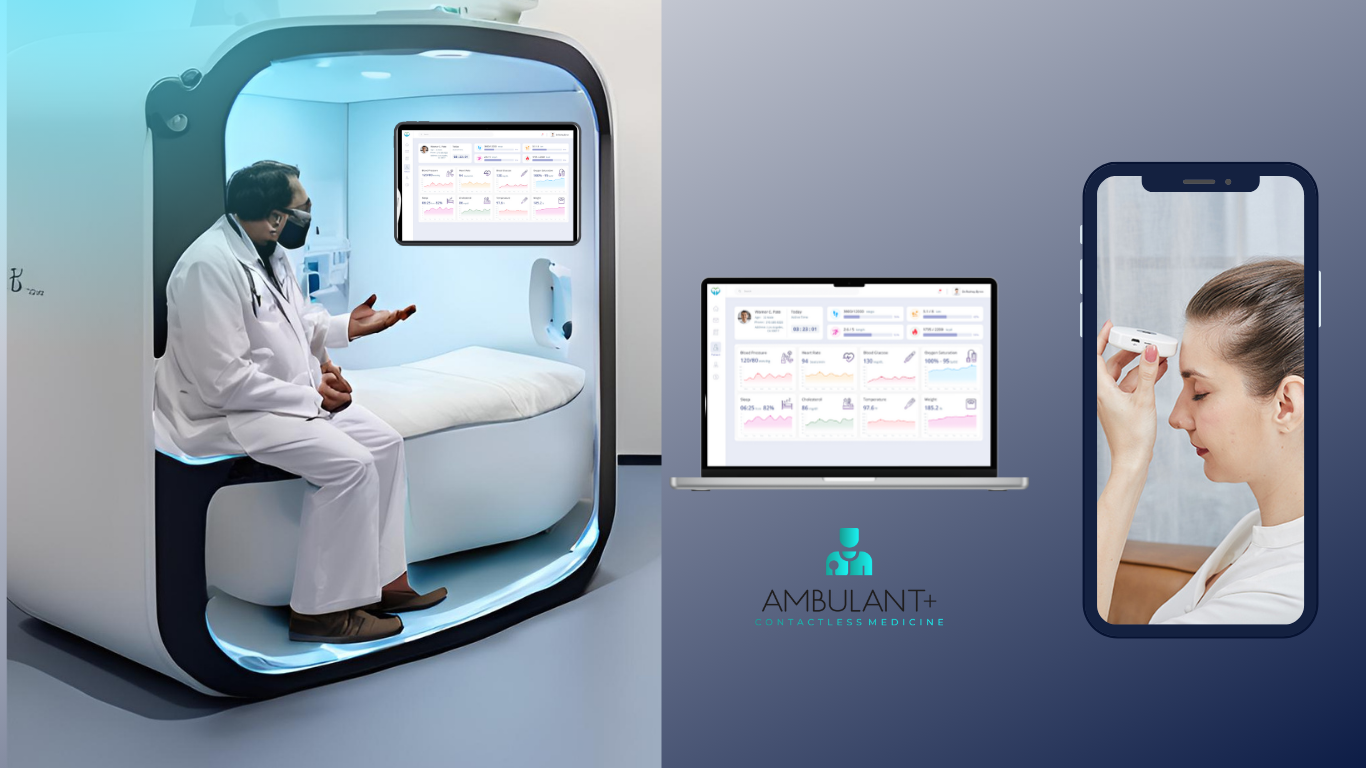
As the healthcare landscape evolves, remote health consultations have gained significant traction. However, several myths and misconceptions still linger, potentially preventing patients from fully embracing this innovative approach to healthcare. Let’s debunk five common myths about remote health consultations and shed light on their benefits. Myth 1: Remote Consultations Are…

How the Digital Health Revolution is Creating New Healthcare Jobs
The digital health revolution is transforming the healthcare landscape, not just in terms of technology and patient care but also in the creation of new job opportunities. As telehealth, remote patient monitoring, and digital health tools become more prevalent, the demand for skilled professionals in these areas is on the…